One obvious action
The main button sends visitors straight to upload instead of hiding the editor.
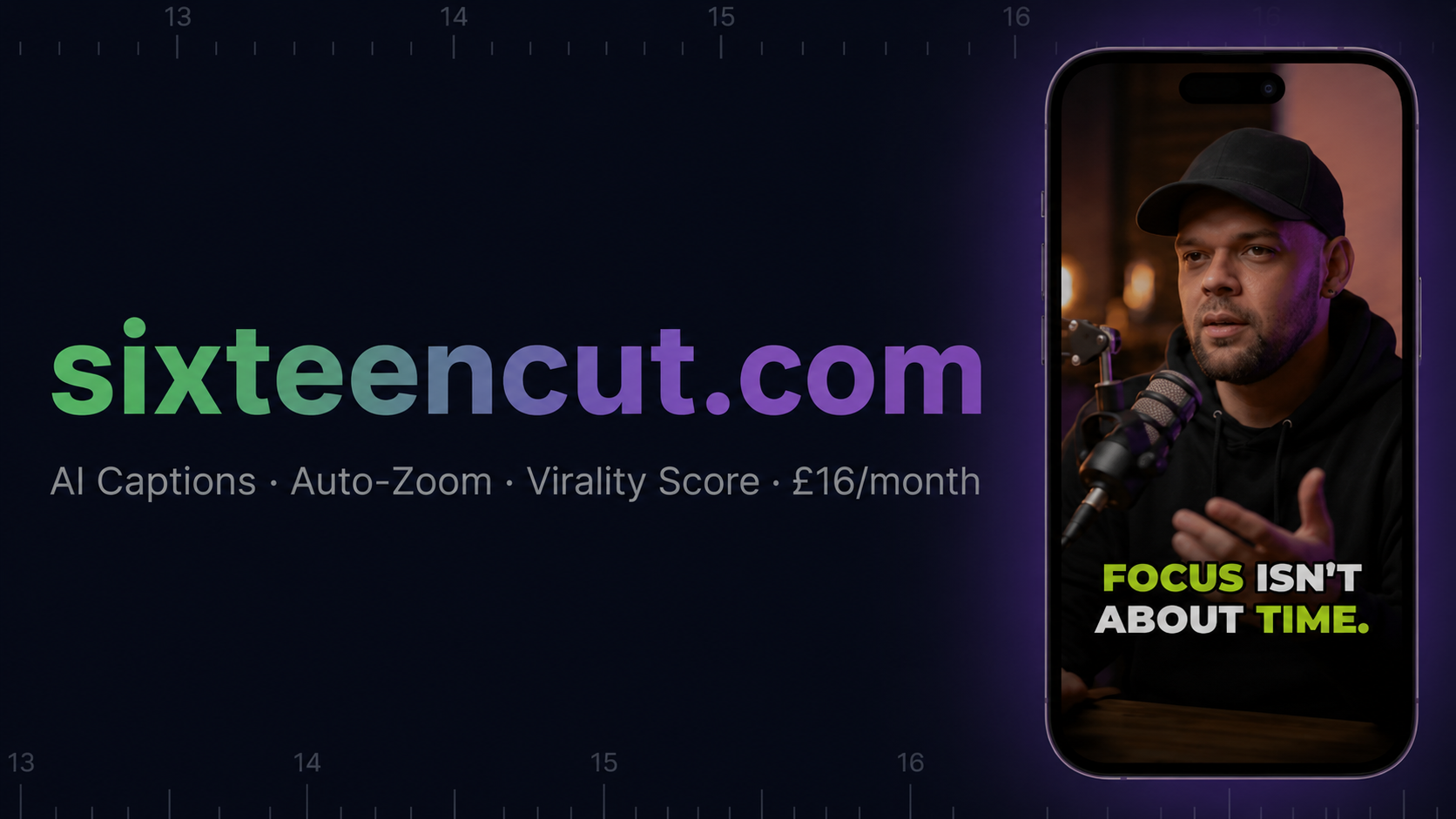
Five tools. One credit system. Everything a creator needs to turn raw content into social-ready posts. £3.99/month membership. Credits never expire.
Upload fast. See the result. Skip the editing friction. Know exactly what happens next. SixteenCut delivers the same core workflow the leading vertical-video tools are built around — and charges you only for the clips you actually make.
The main button sends visitors straight to upload instead of hiding the editor.
The first screen now shows source-to-short transformation instead of only text.
Copy focuses on getting social-ready clips faster, not just listing features.
No invented creator counts, logos or testimonials. Just clear owner, payment and refund details.
Why creators are switching
These are real frustrations creators publicly post about today's AI-clipping subscriptions. We built SixteenCut so none of them apply to you.
“I had nearly 2,000 credits left and they still billed me for the next month. There's no way to use what I already paid for.”
Credits never expire. No monthly bill, no resets. The credits you buy today still work next year.
“Cancelling was a maze. Hidden menus, retention pop-ups, and I still got charged the month after.”
Cancel anytime. No hidden menus, no retention traps — your membership stops at the end of the billing period.
“Processing failed, the credits were burned anyway, and support took five days to reply.”
14-day refund on unused credits. If something goes wrong, you keep your money — not a balance you can't use.
Quotes paraphrase publicly posted reviews of subscription-based clipping tools. We don't name competitors — we just don't make you live with their problems.
On-device editing
Most video tools upload your footage to their servers, queue it behind hundreds of other jobs, and charge you monthly to keep the lights on.
SixteenCut works differently.
The entire editing engine runs inside your browser — on your own computer or phone. Auto-zoom, face tracking, trimming, filters, background removal — all processed locally, using your device's own GPU.
Only one thing ever leaves your device:
Your video is never uploaded to our servers. We never see your footage.
Processing starts the moment you hit go. No server farm to wait for.
No server costs means no monthly fee to cover them. You pay for captions, not compute.
Every tool here runs in your browser on your own device. One simple membership, no bloat, no upsells designed to justify a higher monthly fee.
AI locks onto the subject and keeps them perfectly framed in 9:16, even as they move.
Bold, Beast, Boxed, Neon, Highlight, Minimal, Subtitle, TikTok. Word-level timing, burned in permanently.
Dead air removed automatically. Tighter pacing, better retention.
Add visual polish without leaving the editor — no extra apps, no extra steps.
Clean up your shot without a green screen. Runs on your device's GPU in real time.
Every edit is processed locally. No upload queues, no waiting on a server farm — instant results.
Four extra tools alongside the editor. Same credit balance, same browser, no extra signups.
Upload a long podcast or video. AI finds your three best clips and exports them as captioned vertical shorts automatically.
Open PodcastCut →Drop in any video. Get it back with burned-in captions in your choice of 8 styles. No reframing, no fuss.
Open SubtitleDrop →Extract the perfect frame from your video and add a title overlay. Download as PNG instantly. Always free.
Open ThumbnailAI →Turn any quote or idea into an animated social video card. Gradient, dark, light or custom background. Ready to post in seconds.
Open ClipQuote →The workflow is now spelt out like the best converting competitor pages, so visitors do not have to guess what SixteenCut does.
Drop in MP4, MOV or WebM from a camera, podcast, webinar, stream or screen recording.
Choose 9:16, 1:1, 4:5 or 16:9 and preview how the crop fits the platform.
Generate AI captions, fix wording, add stickers, filters, music, voiceover or a branded look.
Download the vertical cut and use the share row to jump to TikTok, Reels, Shorts and more.
SixteenCut is not claiming to be bigger than established tools. It is positioned as the direct, pay-per-use option for creators who want vertical clips, captions and exports without another monthly bill.
Yes. You can open the editor and test the upload, crop, trim and export workflow. Credits are used for AI caption generation.
SixteenCut focuses on direct browser-first editing, auto-reframing and captions, with one £3.99/month membership that unlocks every tool — plus credits for AI features that never expire.
Most common containers such as MP4, MOV and WebM are accepted. Export options depend on browser support, with MP4 and WebM paths available in the editor.
Core editing runs in your browser. Caption generation sends media for processing only when you choose to generate AI captions.
Unused credits are refundable within 14 days of purchase. Consumed credits are not refundable unless there was a technical fault.
Adam Poulter, a sole trader based in Felixstowe, UK. Payments are handled by Paddle.com as Merchant of Record.
Open the editor, drop in a video, and see the workflow immediately.